
Protect your data instantly with a powerful VPN app, stop hackers, secure public WiFi and browse safely anytime, anywhere.
Worried about hackers stealing your personal data while you browse? Every time you connect to public WiFi, shop online, or access sensitive accounts, your information could be exposed. Stay tuned Techniquit.
But what if one simple app could instantly add a powerful layer of protection? This VPN app might be the secret weapon you didn’t know you needed helping you block hackers, encrypt your connection and browse with total confidence. Let’s dive in and see how it works.
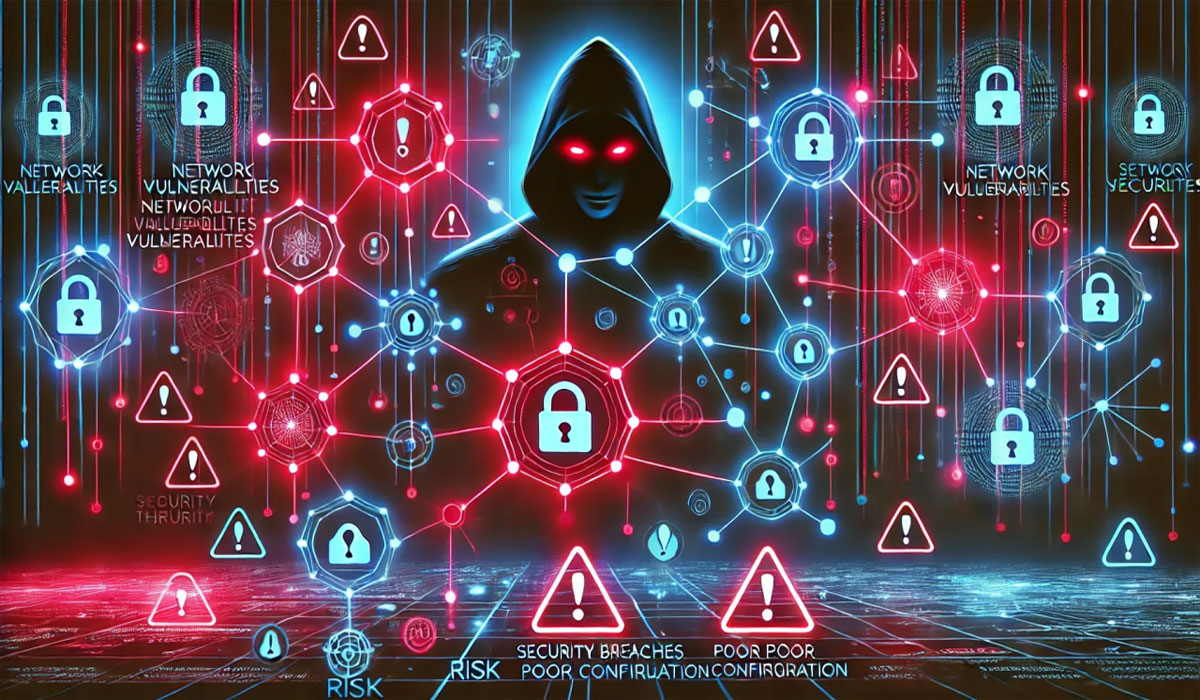
The Rising Threat Of Cyber Attacks
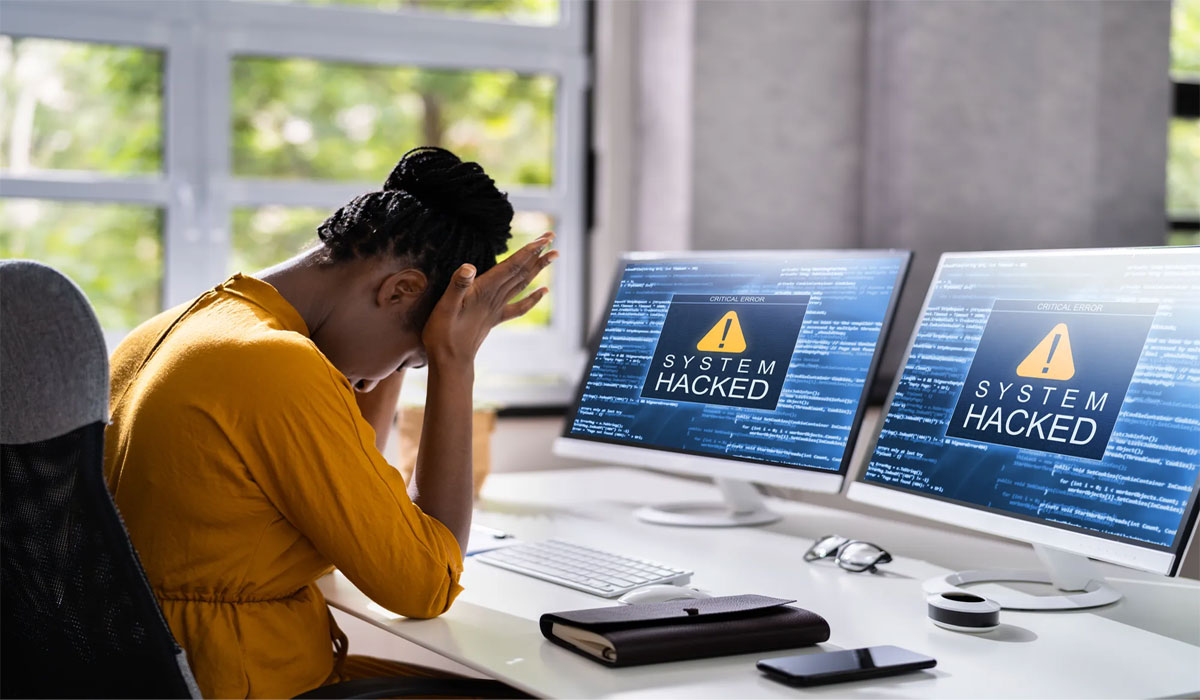
Cybercrime is no longer a distant risk that only affects large corporations. Everyday internet users are becoming prime targets for phishing scams, identity theft, and data breaches.
Hackers constantly search for weak connections, especially on public WiFi networks in cafés, airports, and hotels. Without proper protection, your passwords, banking details, and private messages can be intercepted within minutes.
As online activity continues to grow, so does the sophistication of cybercriminals. This reality makes digital protection not just an option, but an essential part of modern life.
How A VPN App Strengthens Your Online Security
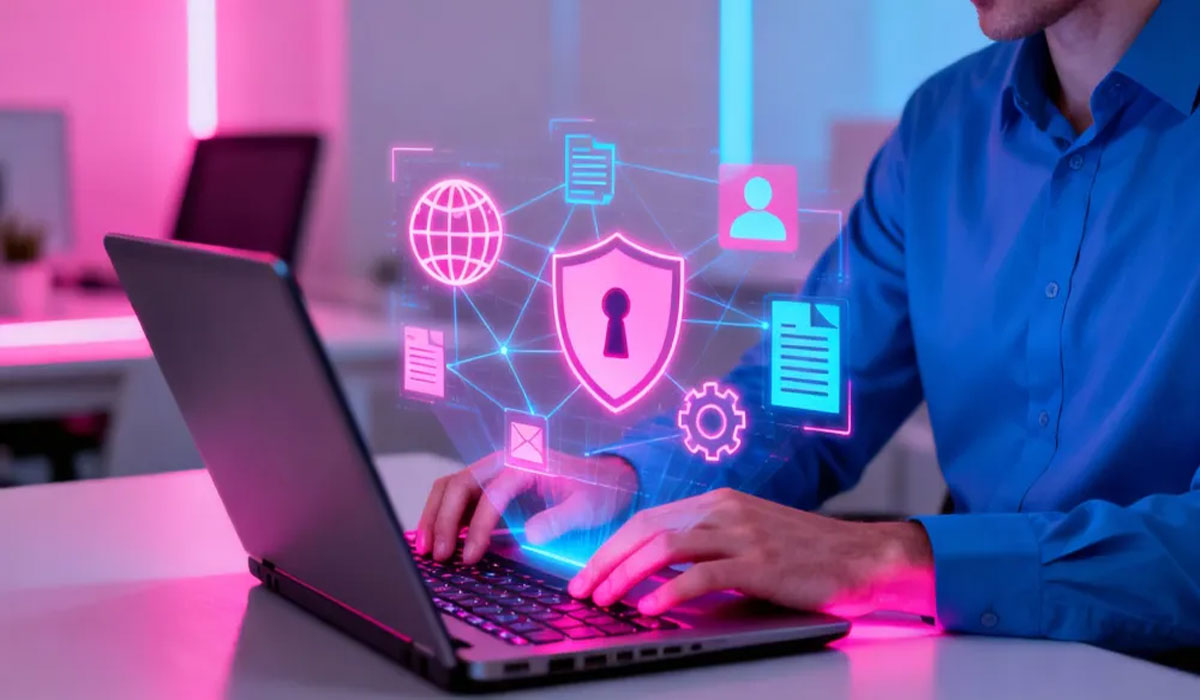
A VPN, or Virtual Private Network, works by encrypting your internet connection. This encryption transforms your data into unreadable code, making it nearly impossible for hackers to access.
When you activate a VPN app, your real IP address is hidden and replaced with a secure server location. This process shields your identity and prevents third parties from tracking your online behavior.
In addition to protecting sensitive information, a VPN creates a secure tunnel between your device and the internet. That extra layer of defense significantly reduces the risk of cyber intrusions.
Also Read: Phones & Tech: Innovations Shaping Our Digital Future
Why Public WiFi Is A Major Security Risk
Public WiFi networks are convenient, but they are often poorly secured. Many hotspots lack strong encryption, making it easier for cybercriminals to monitor connected devices.
Attackers can use techniques such as “man-in-the-middle” attacks to intercept communications between you and the websites you visit. This allows them to steal login credentials or inject malicious software.
By using a reliable VPN app, your connection remains encrypted even on unsecured networks. This means you can check emails, access banking apps, or shop online without exposing your private data.
Key Features That Make A VPN App Powerful
A high-quality VPN app offers strong encryption protocols that protect data from being decoded. Advanced security standards ensure your information stays confidential at all times.
Many VPN services also include a kill switch feature. If your connection drops unexpectedly, the app automatically blocks internet access to prevent accidental data leaks.
Additional tools such as malware blocking and DNS leak protection further enhance security. These features work together to provide comprehensive protection for daily browsing activities.
Choosing The Right VPN For Maximum Protection
Not all VPN apps deliver the same level of security. It is important to choose a provider with a strict no-logs policy, ensuring that your browsing history is never stored or shared.
Speed and server availability also matter. A reliable VPN should offer stable connections without significantly slowing down your internet performance.
Ultimately, the right VPN app becomes more than just a tool it becomes your digital shield. By investing in strong online protection, you gain peace of mind and the freedom to browse safely anytime, anywhere.
Image Source:
- First Image from internetcepat.id
- Second Image from herza.id




Leave a Reply